
Opening a bank account online has never been easier. In 2026, most banks allow customers to open accounts completely digitally without visiting a branch, waiting in long lines, or filling out paperwork manually.
Whether you want to save money, receive salary payments, manage daily expenses, start freelancing, or launch a business, online banking gives you quick and secure access to financial services from anywhere in the world.
But many people still feel confused before applying online.
Questions like these are very common:
- Which bank should I choose?
- Is online banking safe?
- What documents are required?
- How long does approval take?
- Can I open an international bank account online?
The good news is that the process is now simpler than ever.
This detailed 2026 guide explains exactly how to open a bank account online step by step, how digital verification works, what mistakes to avoid, and how to choose the best online bank for your needs.
What Does It Mean to Open a Bank Account Online?
Opening a bank account online means completing the entire banking application digitally using:
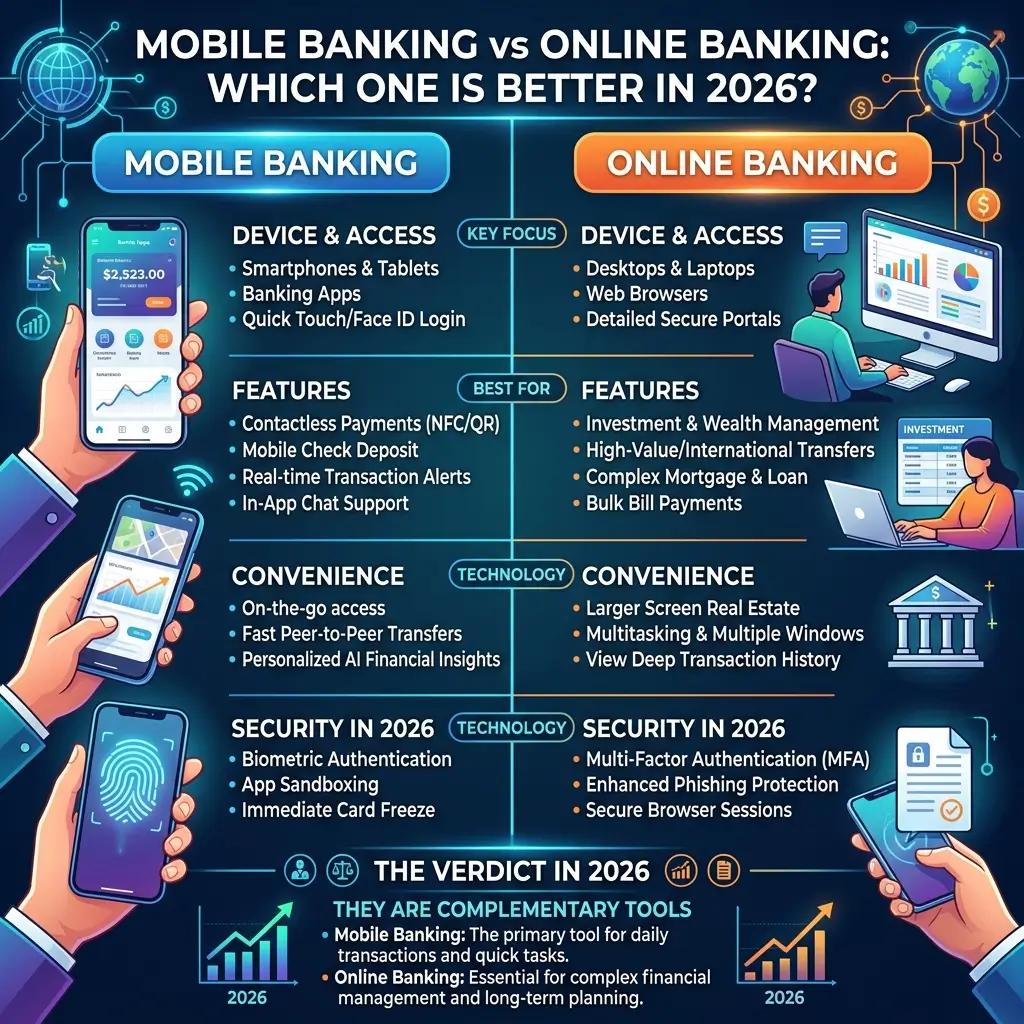
- A mobile banking app
- An online banking website
- A fintech platform
- A digital bank portal
You no longer need to visit a physical branch to:
- Submit forms
- Verify identity
- Deposit paperwork
- Activate your account
Instead, everything happens through secure online systems.
Most modern banks now offer fully digital onboarding, allowing customers to create accounts within minutes.
Why Online Banking Has Become So Popular
Online banking continues growing rapidly because people want faster, simpler, and more flexible financial services.
Traditional banking systems often involve:
- Branch visits
- Long approval times
- Paper forms
- Waiting in queues
Online banking removes most of these problems.
Today, users expect:
- Instant account opening
- Fast transfers
- Mobile access
- Real-time notifications
- Lower banking fees
Banks have adapted to these expectations by investing heavily in digital banking technology.
Benefits of Opening a Bank Account Online
Opening an account online offers several important advantages.
1. Fast and Convenient
One of the biggest benefits is speed.
Most online accounts can be opened in:
- 10 to 20 minutes
- Sometimes even faster
You can apply from:
- Home
- Office
- University
- Anywhere with internet access
No branch visit is required in most cases.
2. Less Paperwork
Traditional banking often requires physical forms and manual signatures.
Online banking simplifies everything digitally.
Most banks allow you to:
- Upload documents online
- Sign electronically
- Verify identity through mobile apps
This saves both time and effort.
3. Lower Fees
Many online banks operate without expensive physical branches.
As a result, they often offer:
- No monthly maintenance fees
- Zero minimum balance accounts
- Lower transaction charges
- Free debit cards
- Better savings interest rates
Digital banks are usually more cost-efficient than traditional banks.
4. Better Accessibility
Online banking gives you 24/7 account access.
You can:
- Transfer money anytime
- Check balances instantly
- Pay bills online
- Download statements
- Track spending
All from your smartphone or computer.
5. Instant Banking Features
Many online banks now provide immediate access to features like:
- Virtual debit cards
- Mobile wallets
- International transfers
- Online payments
- Budgeting tools
- Spending analytics
Some banks even issue virtual cards instantly before the physical card arrives.
Types of Bank Accounts You Can Open Online
Before applying, it’s important to understand the different types of accounts available.
1. Savings Account
A savings account is designed for storing money securely while earning interest.
Best for:
- Emergency savings
- Long-term goals
- Passive savings growth
Features usually include:
- Interest earnings
- Limited withdrawals
- Secure storage
2. Current or Checking Account
A current account (called a checking account in some countries) is used for daily financial activity.
Best for:
- Salary deposits
- Everyday spending
- Bill payments
- ATM withdrawals
- Frequent transactions
These accounts usually focus more on accessibility than interest earnings.
3. Business Bank Account
Business accounts are designed for:
- Freelancers
- Startups
- Small businesses
- Ecommerce sellers
- Agencies
They help separate business and personal finances.
Features may include:
- Invoice tools
- Payment processing
- Expense tracking
- Multi-user access
4. Digital or Neobank Account
Neobanks are fully digital banks without physical branches.
They are popular because they offer:
- Fast onboarding
- Modern mobile apps
- Lower fees
- AI-powered financial tools
These accounts are especially popular among:
- Students
- Remote workers
- Digital nomads
- Tech-savvy users
Requirements to Open a Bank Account Online
Requirements vary depending on the country and bank, but most applications need basic identity verification.
Basic Requirements
Most banks require:
- Passport
- National ID card
- Driver’s license
- Mobile phone number
- Email address
Additional Requirements
Some banks may also ask for:
- Proof of address
- Utility bill
- Rental agreement
- Tax identification number
- Employment details
Business Account Requirements
For business banking, banks often request:
- Business registration certificate
- Ownership details
- Tax records
- Company address
- Business activity information
Step-by-Step Guide to Open a Bank Account Online
Now let’s go through the complete online account opening process.
Step 1: Choose the Right Bank
This is the most important step.
Not all banks offer the same:
- Features
- Fees
- Interest rates
- Security
- International support
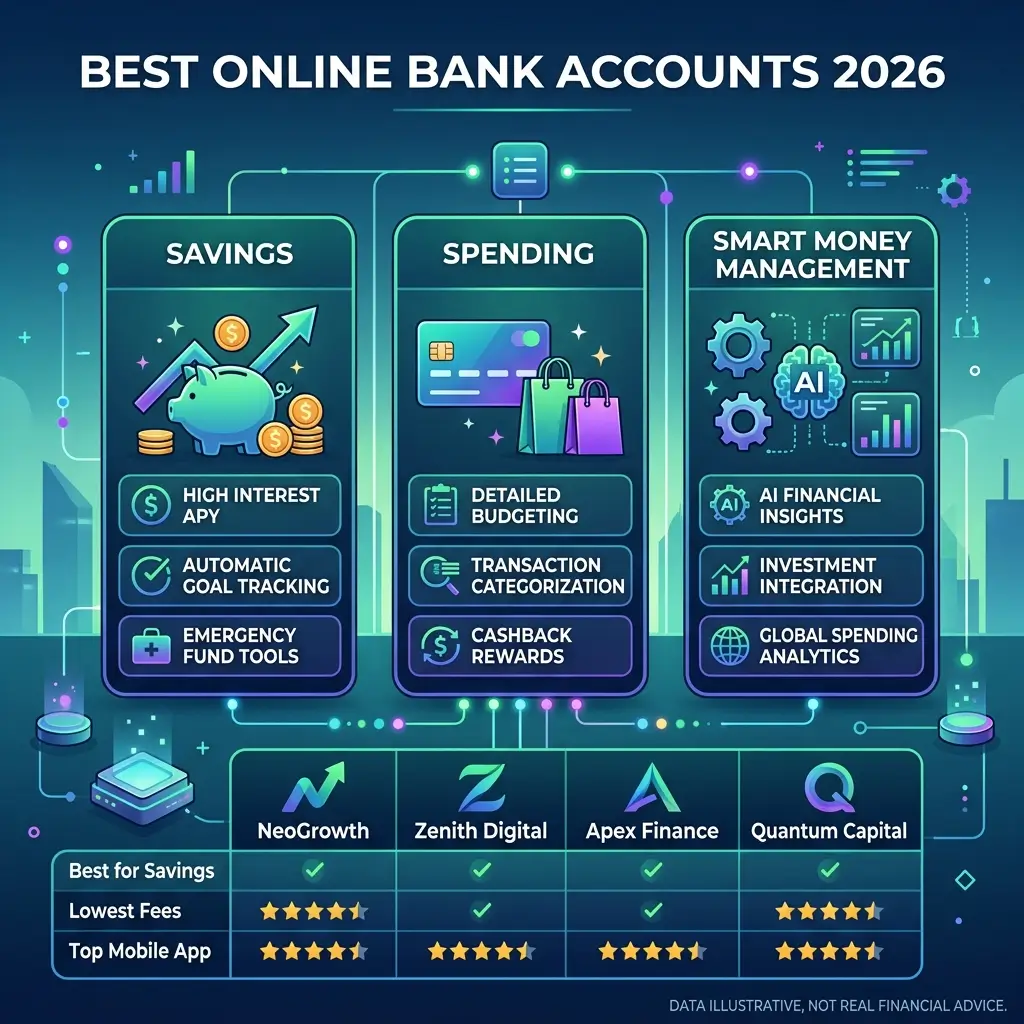
Before choosing a bank, compare:
- Monthly maintenance fees
- ATM fees
- Savings interest rates
- International transfer costs
- Mobile app quality
- Customer service
- Security features
Do not choose a bank based only on advertising.
Research properly before applying.
Step 2: Visit the Official Website or App
Always use the bank’s official website or mobile application.
Look for buttons such as:
- Open Account
- Apply Now
- Get Started
Avoid applying through suspicious links from unknown emails or SMS messages.
Step 3: Fill Out the Online Application Form
You will usually need to enter:
- Full name
- Date of birth
- Address
- Phone number
- Employment information
- Income source
Make sure all information matches your documents exactly.
Incorrect details can lead to delays or rejection.
Step 4: Upload Required Documents
Most banks require digital copies of your documents.
Common uploads include:
- Passport
- National ID
- Proof of address
- Selfie photo
Most systems accept:
- JPG
- PNG
- PDF formats
Ensure documents are clear and readable.
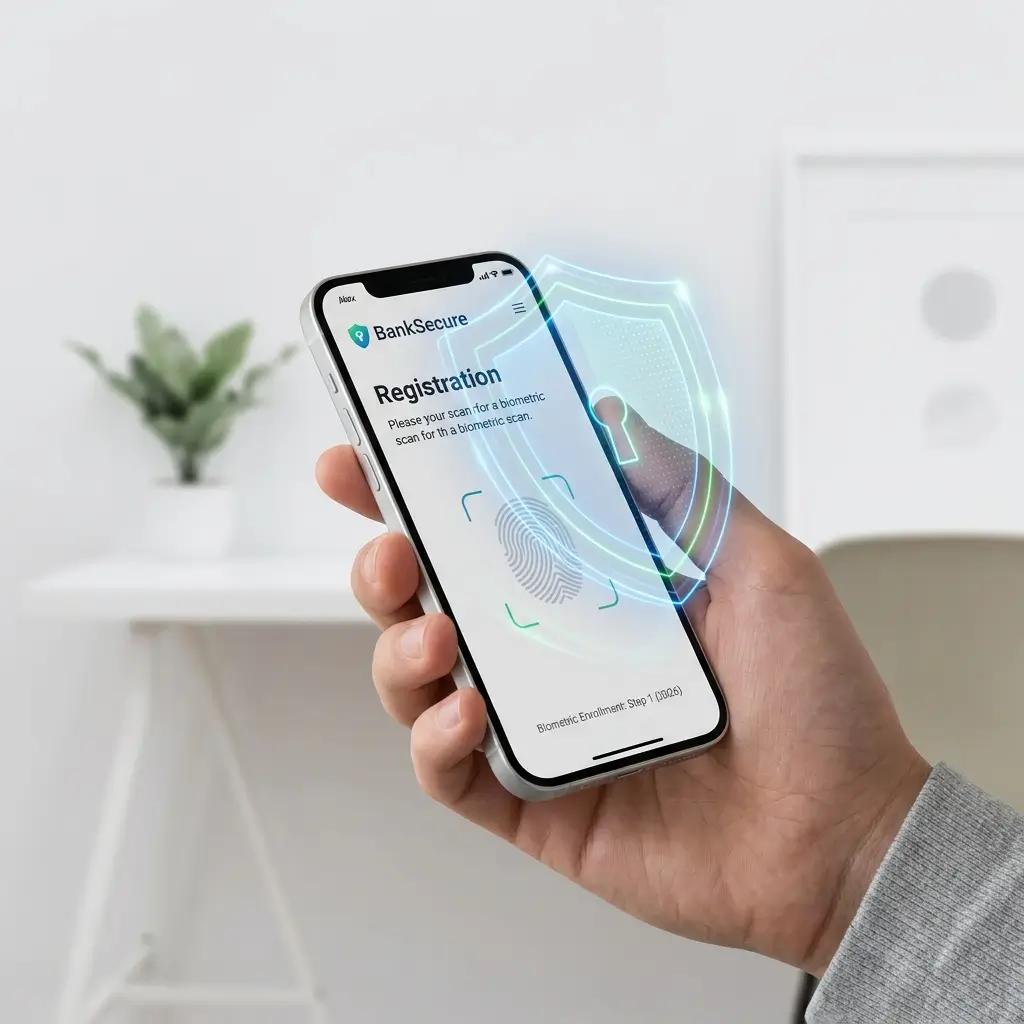
Step 5: Complete Identity Verification (KYC)
KYC means “Know Your Customer.”
Banks use this process to prevent:
- Fraud
- Money laundering
- Fake accounts
Verification methods may include:
- OTP verification
- Facial recognition
- Selfie with ID
- Video verification
- AI-based identity checks
This step is mandatory in most countries.
Step 6: Fund Your Account
Some banks require an initial deposit.
Funding options may include:
- Bank transfer
- Debit card
- Credit card
- Mobile wallet
Many online banks now allow zero-balance account opening.
Step 7: Wait for Approval
Approval times vary by bank.
Typical timelines include:
| Account Type | Approval Time |
|---|---|
| Personal account | Minutes to 48 hours |
| Savings account | Usually same day |
| Business account | 2–5 business days |
Once approved, you’ll receive confirmation via:
- SMS
- App notification
Step 8: Start Using Your Account
After activation, you can immediately start using online banking services.
Common features include:
- Money transfers
- Bill payments
- Debit card management
- Savings tools
- Expense tracking
- International payments
Some banks provide instant virtual cards for online shopping.
How to Choose the Best Online Bank
The best bank depends on your personal financial goals.
1. Compare Fees Carefully
Watch for hidden charges like:
- Monthly maintenance fees
- Withdrawal fees
- Foreign transaction fees
- Transfer charges
Low-fee banks usually provide better long-term value.
2. Check Interest Rates
For savings accounts, compare APY or profit rates carefully.
Higher rates help grow your money faster.
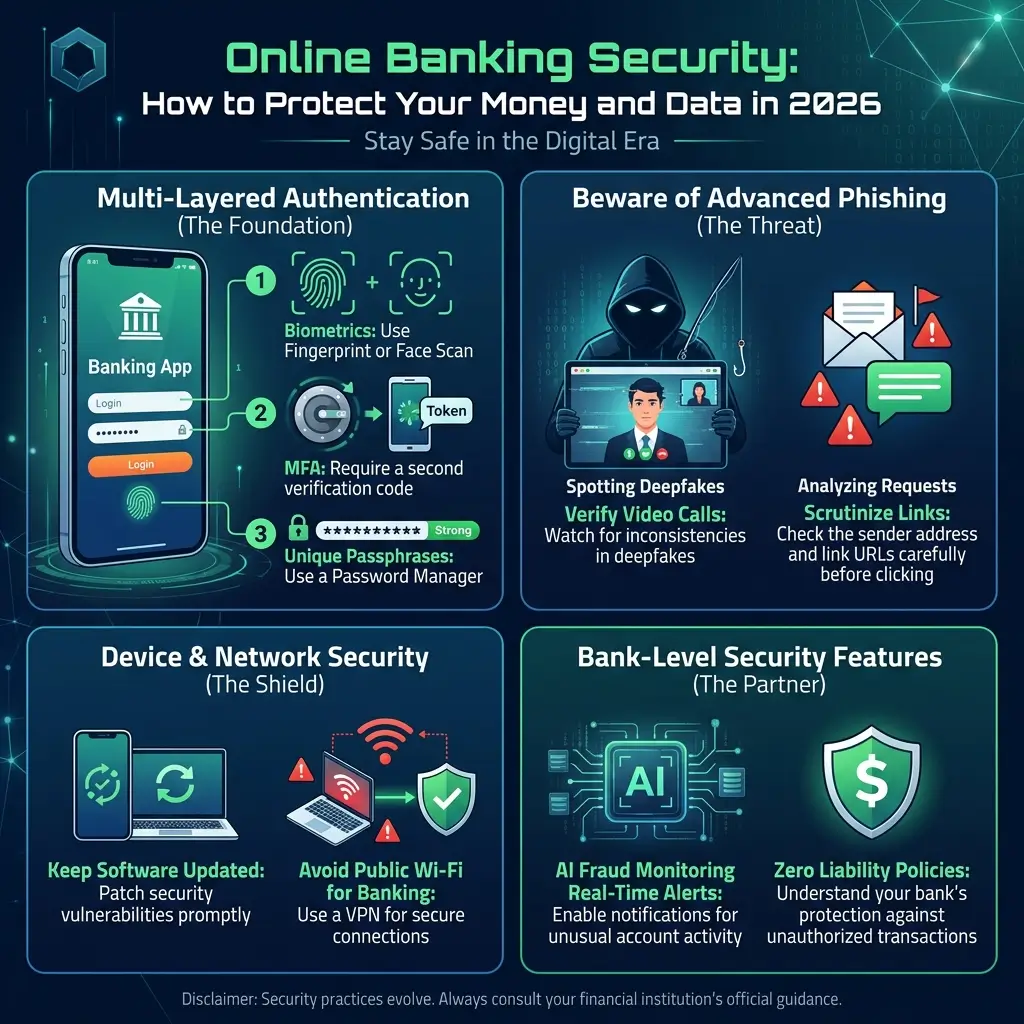
3. Prioritize Security
Good online banks offer:
- Two-factor authentication
- Encryption
- Fraud alerts
- Biometric login
- Secure app access
Security should never be ignored.
4. Review Mobile App Quality
A poor banking app creates frustration.
Check user reviews before applying.
Look for apps with:
- Fast performance
- Good ratings
- Easy navigation
- Real-time alerts
5. Evaluate Customer Support
Reliable support matters if problems occur.
24/7 support is ideal for digital banking users.
Common Mistakes to Avoid
Many beginners make avoidable banking mistakes.
1. Providing Incorrect Information
Wrong details may result in:
- Rejected applications
- Frozen accounts
- Delayed verification
Always double-check your information.
2. Ignoring Terms and Conditions
Many users skip reading account policies.
Always check:
- Fees
- Withdrawal limits
- Penalties
- Transfer costs
3. Choosing the Wrong Account Type
A savings account may not work for business transactions.
Choose based on your actual financial needs.
4. Using Fake Banking Websites
Online scams are increasing.
Always verify:
- Website URL
- Security certificate
- Official app source
Never share OTPs or passwords.
Is It Safe to Open a Bank Account Online?
Yes, online banking is generally very secure when you use trusted banks.
Modern banks use:
- SSL encryption
- Secure servers
- Fraud monitoring
- Multi-factor authentication
- AI-based fraud detection
However, user behavior also matters.
Safety Tips for Online Banking
Protect yourself by following these practices:
- Use strong passwords
- Enable two-factor authentication
- Avoid public Wi-Fi
- Keep apps updated
- Monitor transactions regularly
- Never share OTP codes
Good security habits reduce risk significantly.
Can You Open an International Bank Account Online?
Yes, many digital banks now support international users.
However, approval depends on:
- Your country
- Bank regulations
- Residency requirements
- Tax compliance rules
Some global-friendly banks allow non-residents to apply online.
Online Banking vs Traditional Banking
| Feature | Online Banking | Traditional Banking |
|---|---|---|
| Account Opening | Fast | Slower |
| Branch Visit | Usually not required | Often required |
| Fees | Lower | Higher |
| Accessibility | 24/7 | Limited hours |
| User Experience | Digital-first | Branch-focused |
| International Access | Strong | Limited |
Digital banking clearly offers greater speed and convenience.
Pro Tips to Improve Your Banking Experience
Once your account is active:
- Enable transaction alerts
- Set monthly savings goals
- Use budgeting tools
- Automate savings
- Monitor spending regularly
- Keep emergency funds separate
Smart banking habits improve financial control.
Frequently Asked Questions (FAQs)
Can I open a bank account without visiting a branch?
Yes. Many banks now allow complete online account opening.
Do online bank accounts require minimum balances?
Some do, but many digital banks offer zero-balance accounts.
Is online banking free?
Many online accounts are free, but always check fees before applying.
How long does online approval take?
Personal accounts may be approved instantly or within 48 hours.
Business accounts may take longer.
Can I open multiple online bank accounts?
Yes, many people use multiple accounts for savings, spending, and business purposes.
Final Thoughts
Opening a bank account online in 2026 is faster, easier, and more accessible than ever before.
With digital onboarding, mobile banking, and secure online verification, you can manage your finances completely online without relying on traditional branch visits.
The key is choosing the right bank based on:
- Fees
- Features
- Security
- Customer support
- International access
If you compare carefully and follow safe banking practices, online banking can save time, reduce costs, and give you better control over your financial life.